One shared session
Four keys stay in sync. Arrange them in a row or a square. Your timer keeps going when you switch Stream Deck pages.
A COZY CORNER FOR YOUR STREAM DECK
Big ideas. Small steps. A companion to share them with.
Meet your
new favorite reason to press start.
Local by nature. No account required.
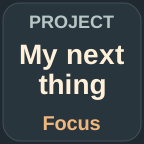

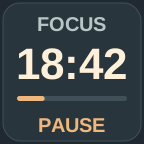
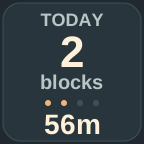
Actual plugin artwork. An illustrative session, not a running timer.
FIVE LITTLE PERSONALITIES
Miso the cat, Toby the dog, Pipo the penguin, Bao the panda or Nori the otter: choose your company. They work when you do, rest during breaks and celebrate each finished focus block. Rename your buddy to make it personal.
No streaks to protect. No guilt about taking a day off. Just a little character making a home alongside you. Switch companions whenever you like; your timer, statistics and growth stay with you.
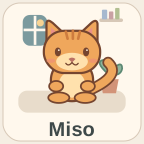 Small companion. Big personality.
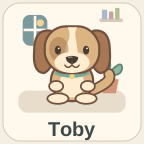
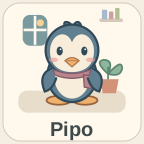

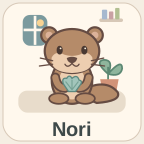
Four keys stay in sync. Arrange them in a row or a square. Your timer keeps going when you switch Stream Deck pages.
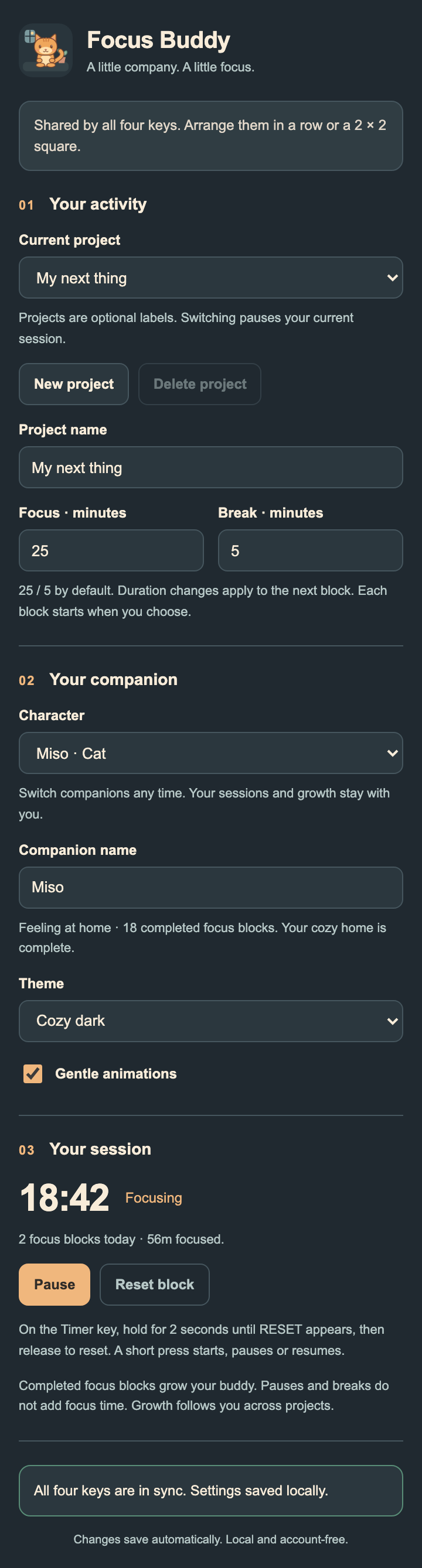
Study, read, write or build. Projects are just names. Start with “My focus” and add activities only when you want them.
Start with 25 minutes of focus and a 5-minute break, or choose your own rhythm. Each block begins when you're ready.
A HOME THAT GROWS WITH YOU
Completed focus blocks help your companion settle in.
Your buddy
keeps growing even when you change projects.



YOUR FIRST LITTLE STEP
No. Focus Buddy works locally. Projects are optional activity labels and your data stays in Stream Deck's local plugin settings.
Your previous session pauses. The next project's timer waits for you to start or resume it. Each project keeps its own focus statistics; your companion keeps its overall growth.
The current block uses elapsed time and can finish while your computer sleeps. It never starts another block automatically. Pause before stepping away if you don't want that time counted.
Yes. Disable gentle animations in any key's settings. Your companion still reflects the session state.
Stream Deck could not save the latest progress. Keep Stream Deck open: your session remains usable and saving retries automatically. The warning clears when saving succeeds. Open any Focus Buddy key's settings for status details.
Project switches to the next activity. Companion gives you a little wave. Timer starts, pauses or resumes; hold it for two seconds until RESET appears, then release to prepare a fresh focus block. Recorded focus time is kept. Progress alternates today's figures and that project's all-time totals.
No analytics, remote fonts or runtime network requests. Names, session state and statistics are saved in Stream Deck global plugin settings. Detailed daily history is limited to the latest 366 stored days per project; lifetime totals remain. Deleting a project removes its statistics, while companion growth remains.