For Elgato Stream Deck
Your activity.
A glance away.
A little green on your desk. Keep your GitHub contributions in sight, from today's progress to the bigger picture.
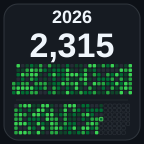
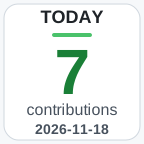 Actual plugin graphics · illustrative data
Find your perspective
Small keys.
Your whole story.
One day, a week, a month, or the whole year. Choose how much of the picture you want to see.
The current year
January to December, with your year-to-date total. Every contribution has its place.
Interactive preview with illustrative data. Your keys display your GitHub activity.
The bigger picture
Give your year
room to breathe.
Five adjacent keys become one contribution calendar. Set the same account on each key and assign positions from left to right.

Make yourself at home
Your account.
Your theme.
Ready.
-
Add a key
Install the plugin and drag the Contributions action onto your Stream Deck.
-
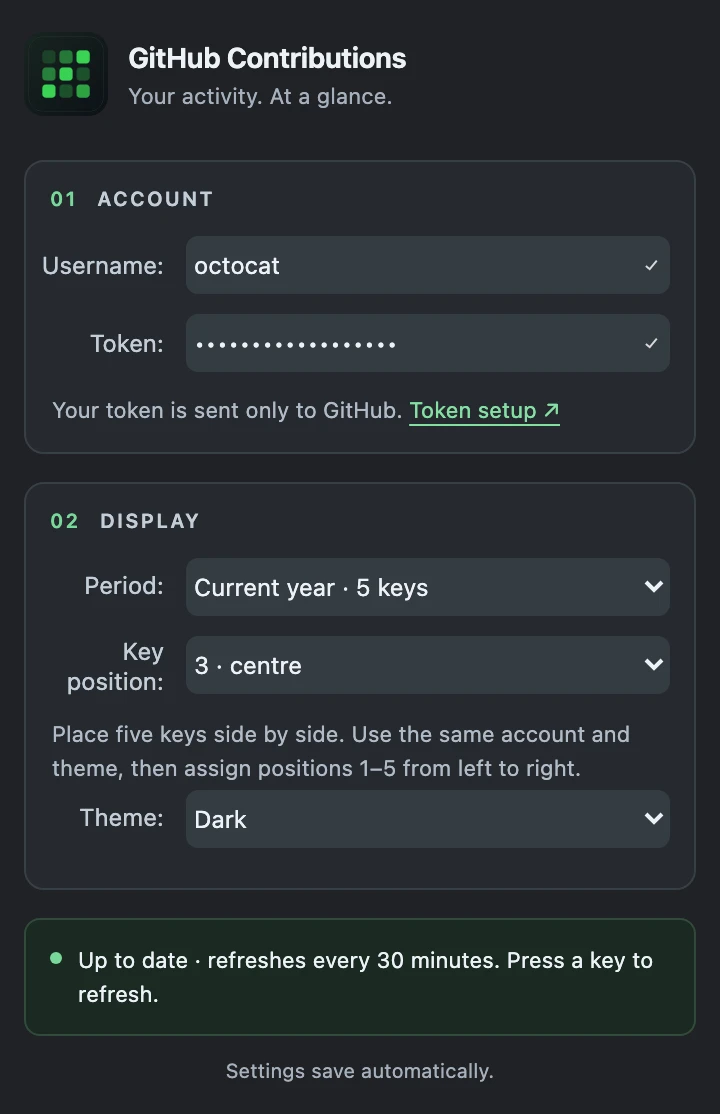
Connect your GitHub account
Enter your username and personal access token. How to create a token
-
Find your view
Pick a period and a light or dark theme. Your settings save automatically.
See the system requirements for supported Stream Deck, macOS and Windows releases. No separate Node.js installation is needed to use the plugin.
A few things worth knowing.
How often does it update?
Every 30 minutes while the actions are visible. Press a contribution key to refresh the visible keys that use the same account. Brief caching and GitHub rate limits can delay repeated requests.
What counts as a week or a year?
A week is the last seven calendar dates, including today. Month and year views start on the first day of the current month or year. “Today” follows your computer's local date; GitHub calendar dates are kept as date-only values.
Can I see private contributions?
Visibility depends on your GitHub profile settings and the token's
access. A classic token with the read:user scope is
the existing setup path. Only grant the permissions your account
needs.
Where does my data go?
The plugin runs locally and sends your token only to GitHub's API. It has no backend or analytics. Credentials are stored in Stream Deck action settings, so treat profile exports and backups as sensitive.
This website uses no analytics, cookies, external fonts or account connection. The preview is illustrative and never asks for a token.
Can I build it myself?
Yes. The project is open source under the Apache License. The repository's development guide covers Node.js setup, building, testing and generating a local installer.
A little green. Every day.